
Domain and email
Set up email on your domain
Get addresses like info@yourbusiness.co.za on your own domain, and open your webmail.
An address on your own domain looks more established than a gmail.com one, and customers can see straight away that it is your business. Here is how to get it, and where to find your mailboxes once they are ready.
Which plans include email
- Local Business + 5 Email Accounts includes 5 email accounts on your own domain.
- Local Business does not include email.
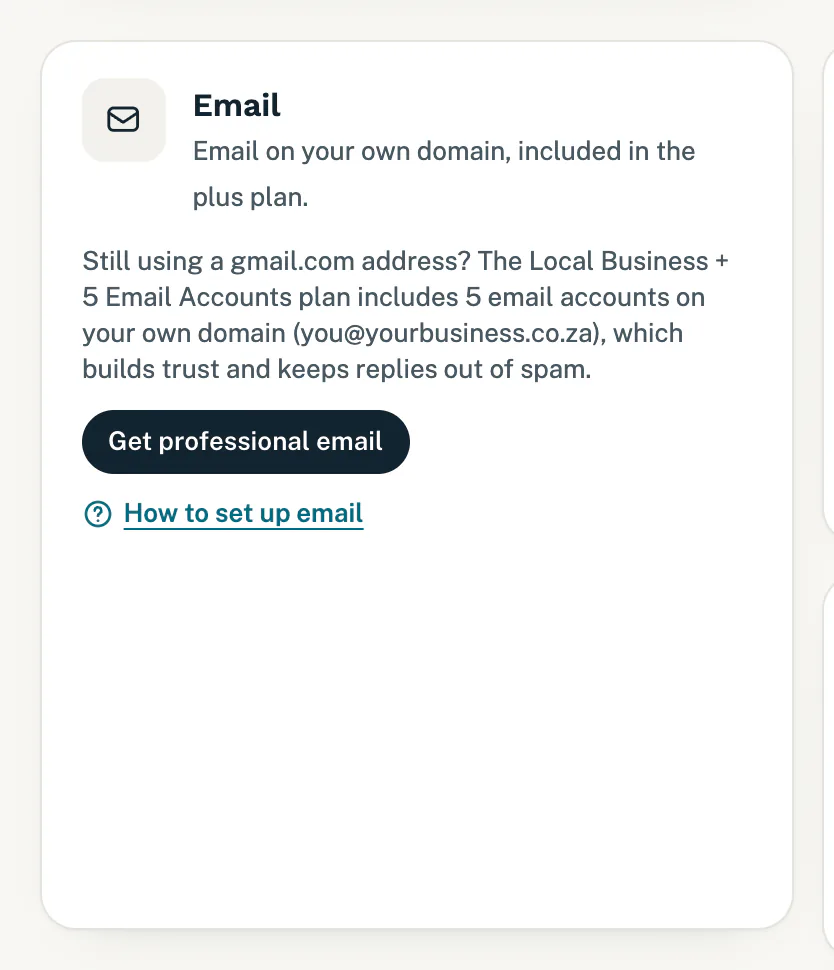
To see where you stand, open Connections and look at the Email card. If your plan has no email, the card says so and shows Get professional email. That button opens Billing, where you can upgrade. See Upgrade your plan.
Ask us to set it up
- Open Connections. On a plan with email, the Email card says your plan includes 5 email accounts, and shows Set up my email.
- Tap Set up my email. Changes opens a form called Set up my email.
- Under The addresses you would like, list the addresses you would like, for example info@ and accounts@, and who uses each one.
- Tap Send it. You can follow the request, “Set up my email accounts”, under Your requests on Changes. It is marked Setup.
Setting up your email is setup, not a change to your website, so it never uses your monthly changes.
Email needs a domain of your own. If yours is not connected yet, see Connect your own domain or Get a new domain or transfer yours.
While we finish the email settings on your domain, the card shows Setup in progress. When we are done, we email you. The subject is “Your setup request is done”.
Open webmail
Webmail lets you read and send email in your browser, with nothing to set up.
- Tap Open webmail at the top of the Email card. For a mailbox we host, it signs you straight in.
- With more than one mailbox we host, tap Open webmail next to the mailbox you want. It signs you in to that mailbox.
- Otherwise, for example with Google Workspace or Zoho Mail, webmail opens on its sign-in page: use the full email address and that mailbox’s password.
Your mailboxes
The Email card lists each mailbox, with what it is for, such as “Main inbox”. Above the list you see how many of your plan’s mailboxes are in use, for example “Mailboxes: 2 of 5 in use · 3 available”.
An address marked “alias of” is not a mailbox of its own. Its email arrives in the mailbox it names, and it does not count towards your total.
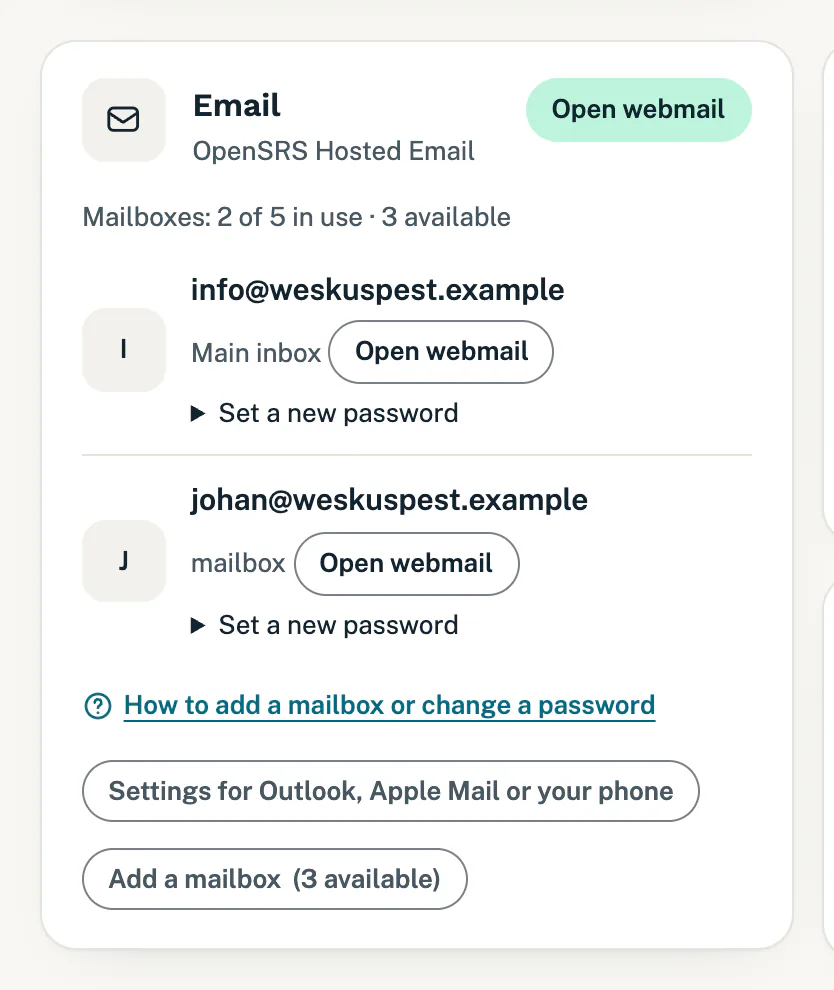
From the same card you can add a mailbox or set a new password, and find the settings to set up email on your phone or computer.
Good to know
- Already use email on your domain somewhere else? Say so in your request, and list the addresses you use now.
- While your website changes are paused because of a payment, you can still send the request. We take it and start on it once your payment is back on track. See Website changes paused.
- Not sure which plan you are on? It is at the top of Billing. See Your plan and invoices.
Still stuck?
Message us on WhatsApp or send us an email. Tell us your business name, the page you were on and what you tried, and we take it from there.